📄 Download Word List (PDF)
Short 'A'
ACK
ACK
AMP
AMP
AND
AND
ANG
ANG
ANK
ANK
ASH
ASH
AST
AST
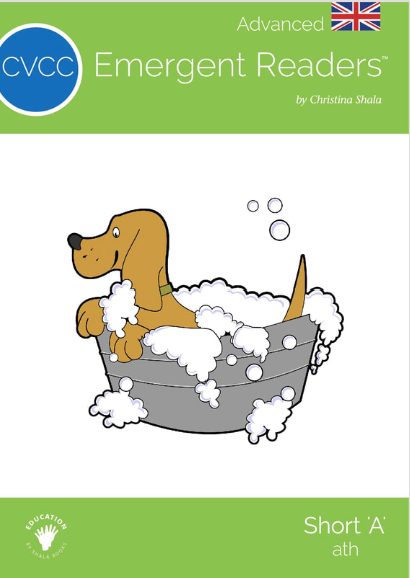
ATH
ATH
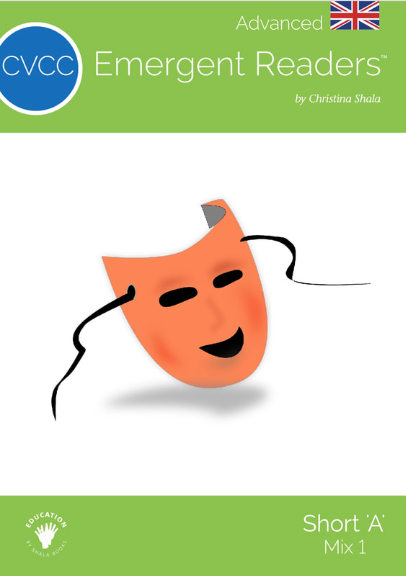
MIX 1
MIX 1
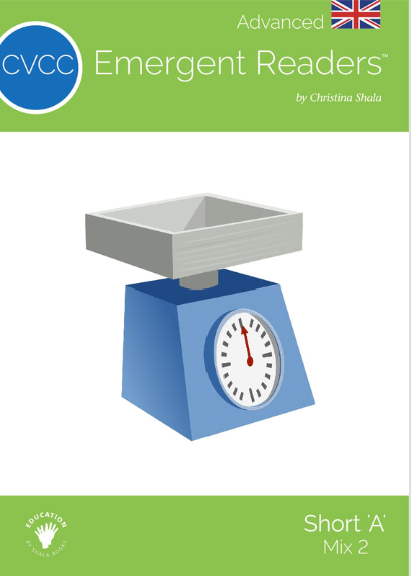
MIX 2
MIX 2
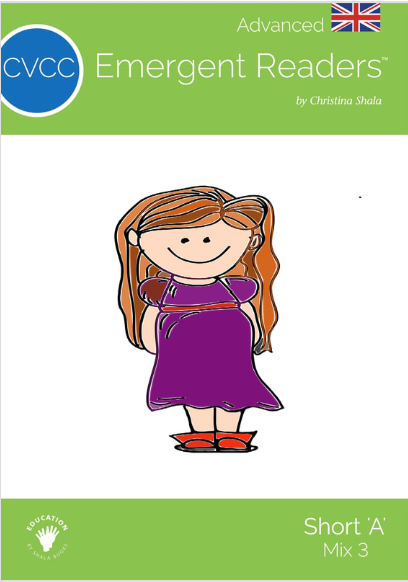
MIX 3
MIX 3
Short 'E'
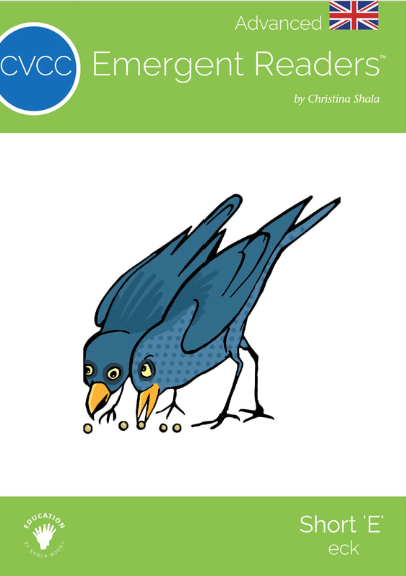
ECK
ECK
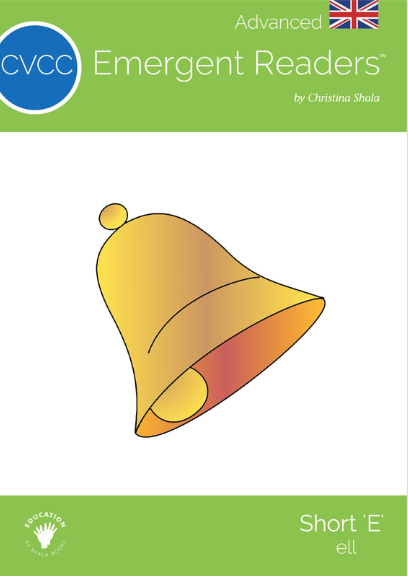
ELL
ELL
END
END
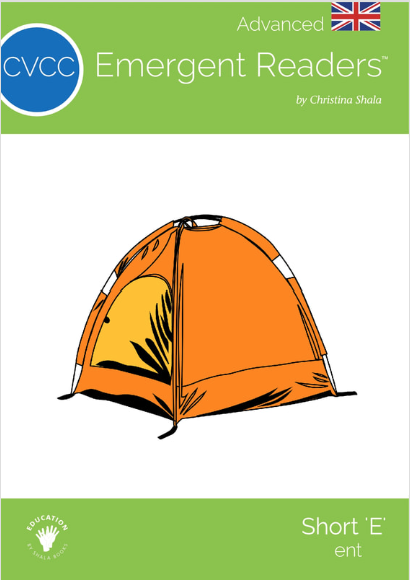
ENT
ENT
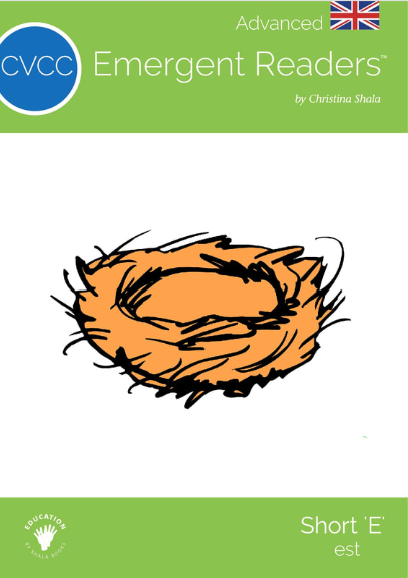
EST
EST
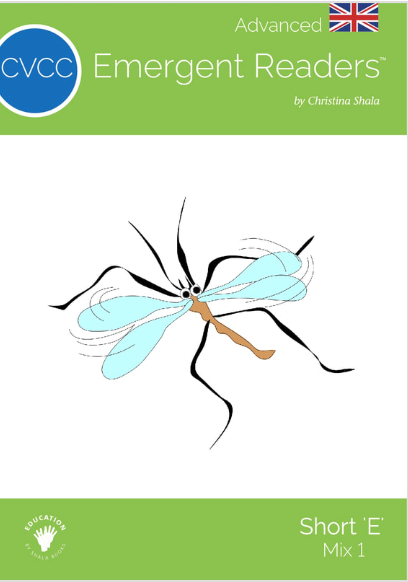
MIX 1
MIX 1
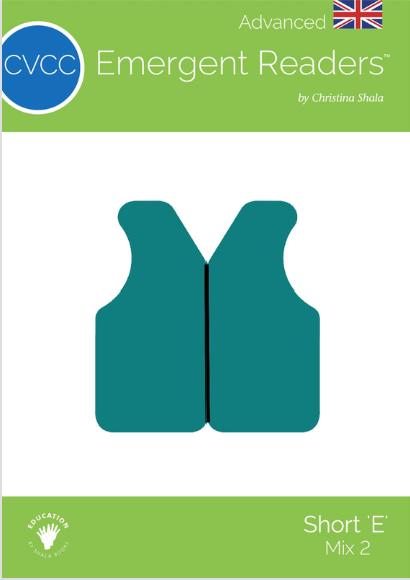
MIX 2
MIX 2
Short 'I'
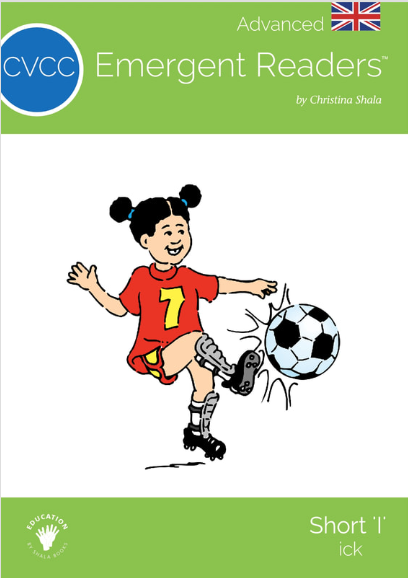
ICK
ICK
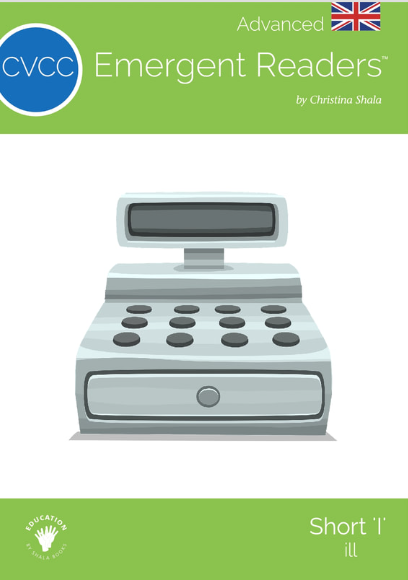
ILL
ILL
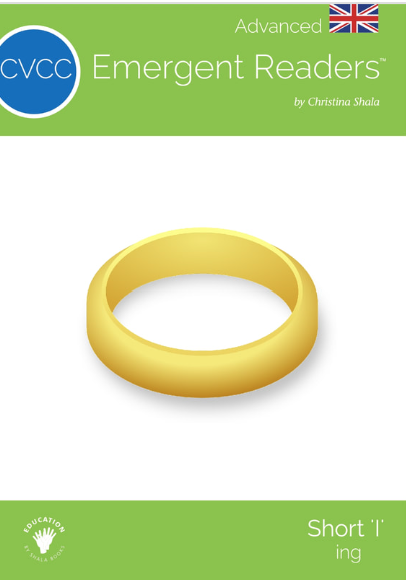
ING
ING
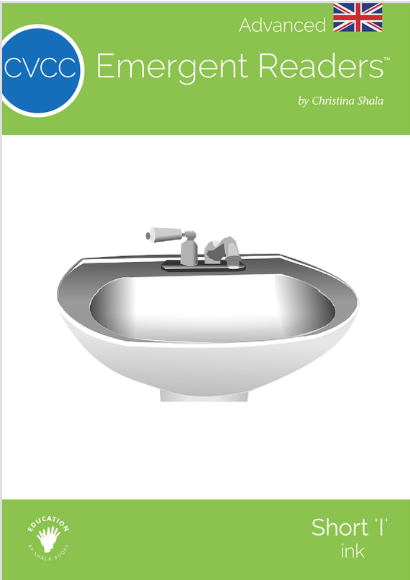
INK
INK
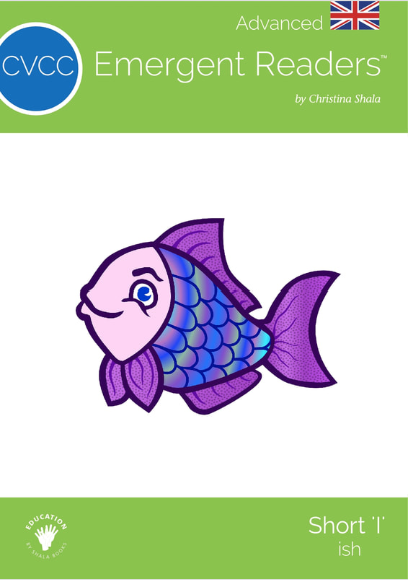
ISH
ISH
MIX 1
MIX 1
MIX 2
MIX 2
MIX 3
MIX 3
Short 'O'
OCK
OCK
ONG
ONG
OSS
OSS
MIX 1
MIX 1
MIX 2
MIX 2
Short 'U'
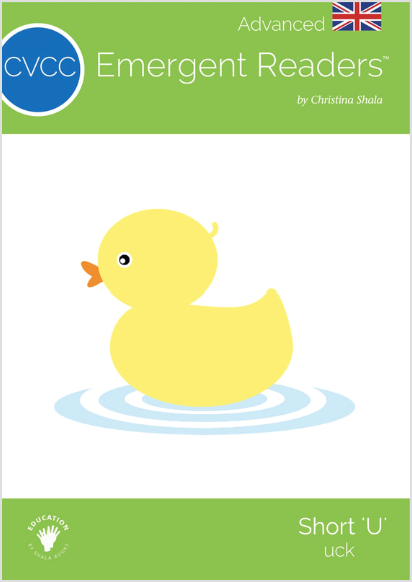
UCK
UCK
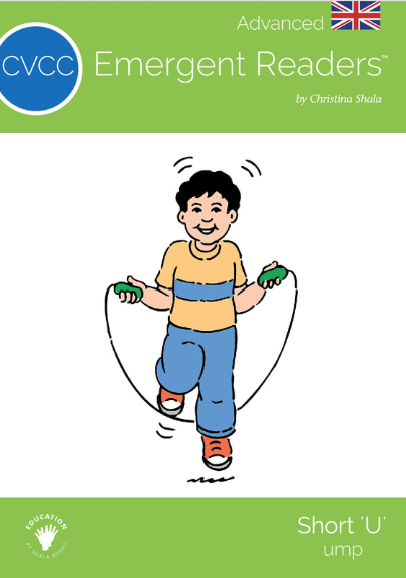
UMP
UMP
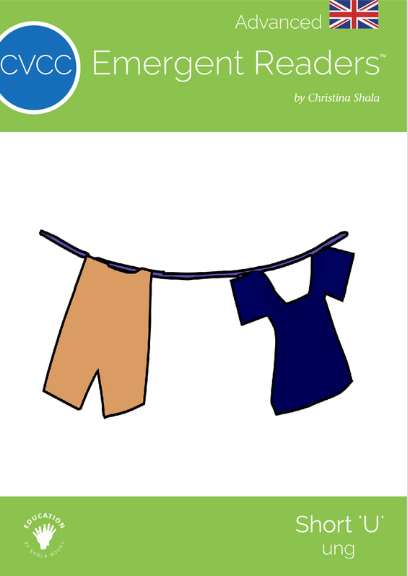
UNG
UNG
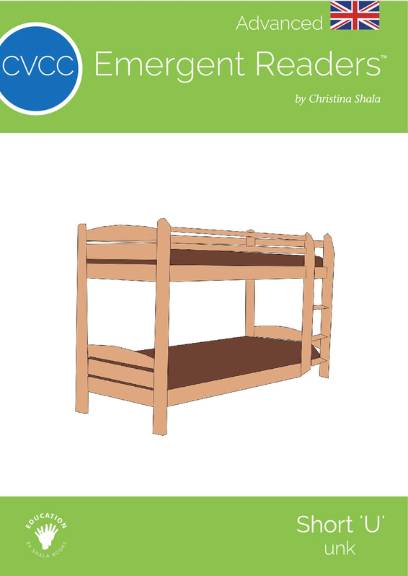
UNK
UNK
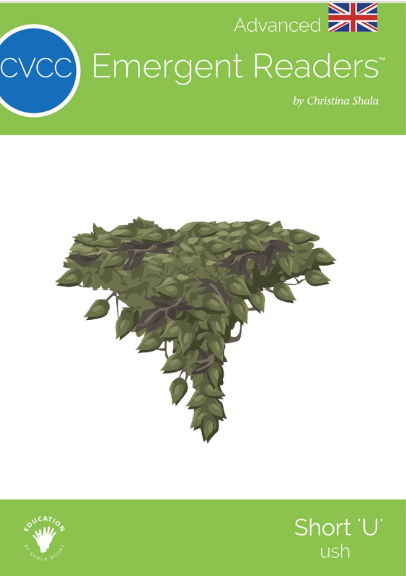
USH
USH
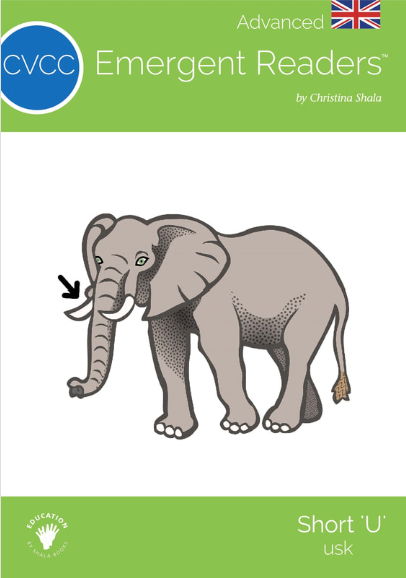
USK
USK
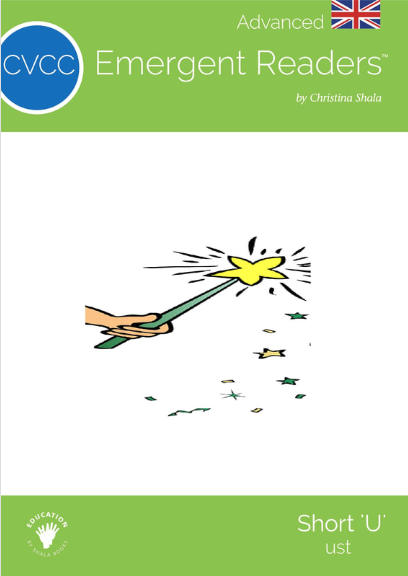
UST
UST
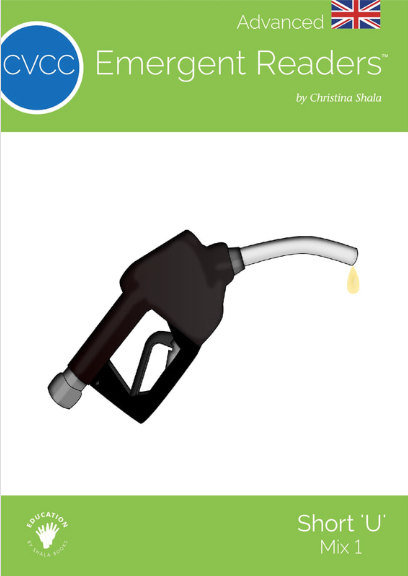
MIX 1
MIX 1
MIX 2
MIX 2
Mixes
MIX 1
MIX 1
MIX 2
MIX 2
MIX 3
MIX 3
MIX 4
MIX 4
MIX 5
MIX 5
MIX 6
MIX 6
MIX 7
MIX 7
MIX 8
MIX 8
MIX 9
MIX 9
MIX 10
MIX 10
MIX 11
MIX 11
Themes
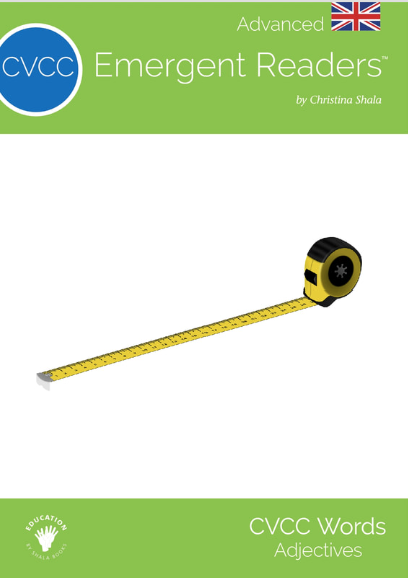
ADJECTIVES
ADJECTIVES
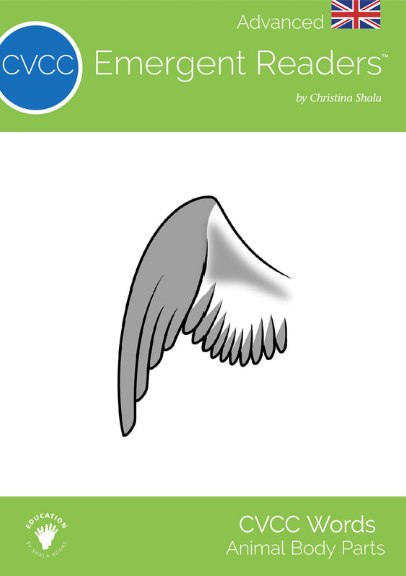
ANIMAL BODY PARTS
ANIMAL
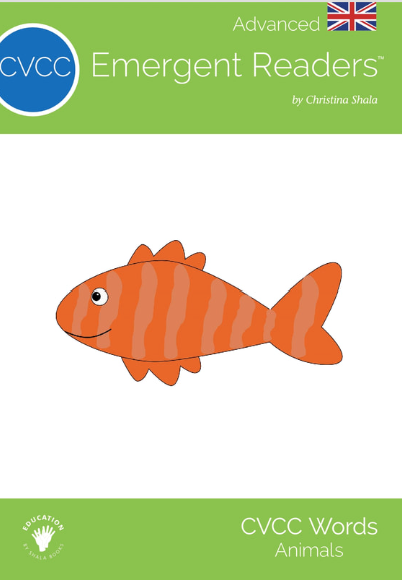
ANIMALS
ANIMALS
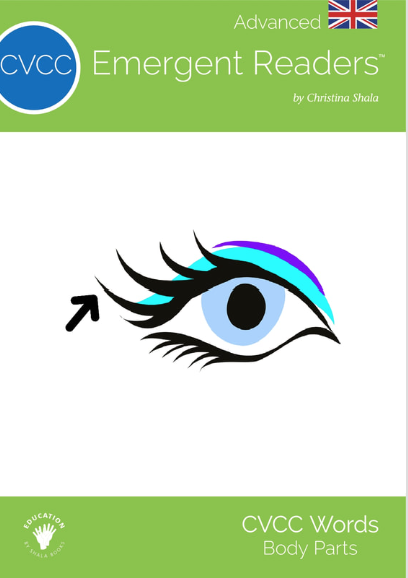
BODY PARTS
BODY PARTS
CLOTHES
CLOTHES
HOUSE
HOUSE
OUTDOORS
OUTDOORS
VERBS MIX 1
VERBS MIX 1
VERBS MIX 2
VERBS MIX 2
VERBS MIX 3
VERBS MIX 3
2 Words
MIX 1
MIX 1
MIX 2
MIX 2
MIX 3
MIX 3
MIX 4
MIX 4

My Reading Progress

âš™ī¸ Manage Books

â„šī¸ How Book Locking Works

Lock books to hide them from students, helping with sequential learning and preventing overwhelm. Unlock books when students are ready to progress. Each student/family member can have different locked books.

📖 Quick Guide
  • Lock entire row: Click the toggle switch
  • Lock single book: Click the 🔓 icon next to any book
  • Lock everything: Click "Lock All Books" button
  • Unlock everything: Click "Unlock All Books" button